


 Samsung Galaxy A33 5G (SM-A336N)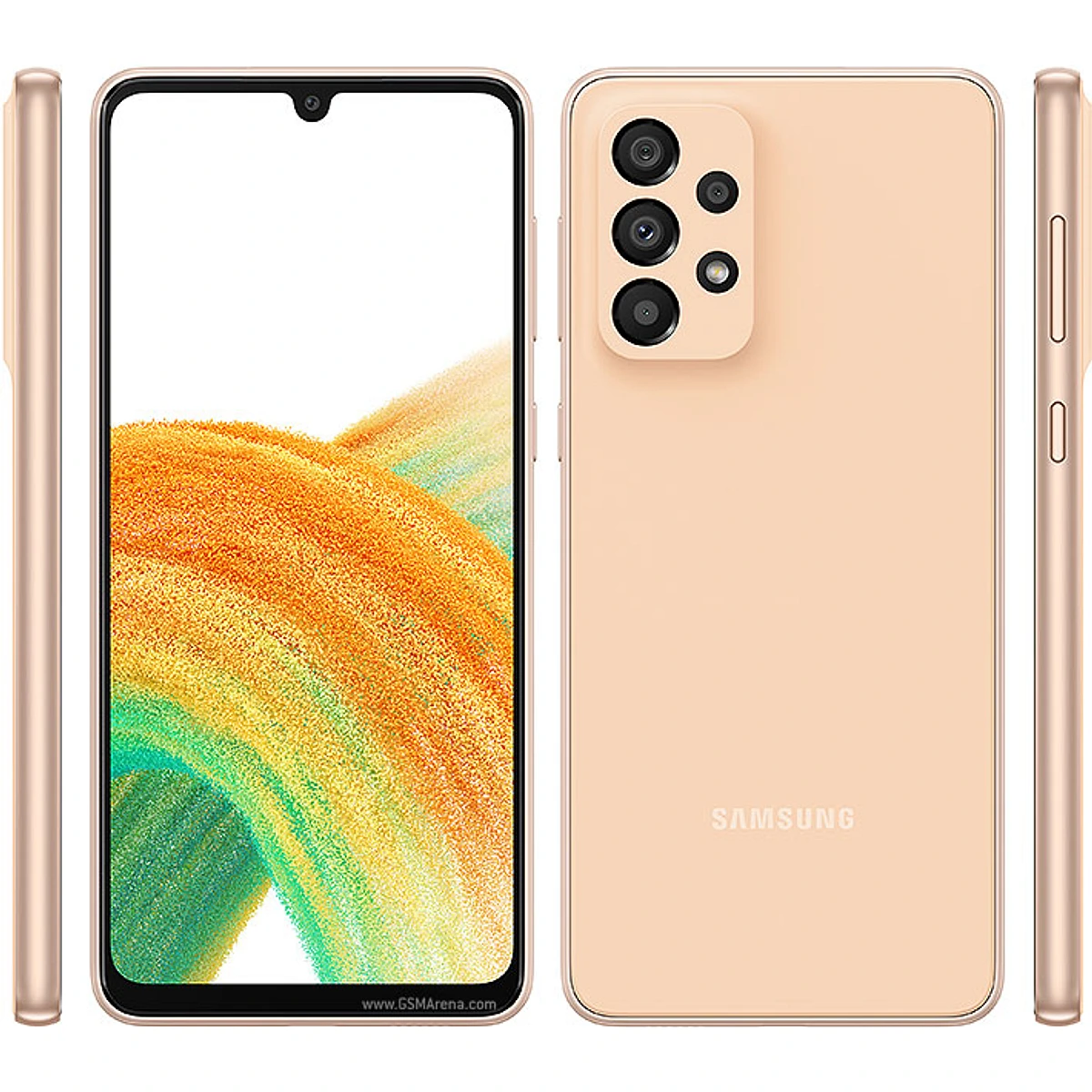
A336NKSSFGZE2 Firmware for Samsung Galaxy A33 5G (SM-A336N) — KOO
Firmware Information
- PDA Version
- A336NKSSFGZE2
- CSC Version
- A336NOKRFGZE2
- CSC Code
 KOO - South Korea
- Size
- 7.1 GB
- Build Date
- 2026-05-07
- Downloads
- 0
- Device Name
- Samsung Galaxy A33 5G
- Model Code
- SM-A336N
- Brand
- Samsung
- CSC Region
- KOO - South Korea
- Firmware Package
- Full files
- Status
- Active
- Added On
- 2026-07-22
- Updated On
- 2026-07-23
- Total Downloads
- 0
Compatibility
This firmware is compatible with Samsung SM-A336N. Check your model code, CSC, and device region before flashing.
Inside the ZIP File Breakdown
| File Type | File Size | Description | Extension | Download |
|---|---|---|---|---|
| AP | 8.64 GB | System, recovery, vendor, and main Android partitions. | .zip | Download |
| BL | 7.63 MB | Bootloader package required for device startup. | .zip | Download |
| CP | 39.35 MB | Modem and cellular radio firmware package. | .zip | Download |
| CSC | 104.38 MB | Regional carrier settings and customization data. | .zip | Download |
Verify your download
Compare this MD5 checksum against the file you downloaded to confirm it wasn't corrupted or tampered with in transit.
f77dbad023e22596887b6dcdc5b701e8This is the free official stock ROM for the Samsung Galaxy A33 5G (SM-A336N), specific to the KOO region. This firmware has the PDA version A336NKSSFGZE2 and runs on Android 16 with a bootloader binary revision of Bit F. Download this flash file to safely update or repair your device.
 Samsung Galaxy A33 5G Firmware Archive
How to Flash Samsung Galaxy A33 5G Firmware with Odin
- 1
Download & Extract Files
Download the firmware ZIP and Odin tool from ZipFirmware. Extract both archives to a local folder — avoid paths with spaces or special characters.
- 2
Boot into Download Mode
Power off your Samsung device. Hold Vol Down + Power (or Vol Down + Bixby + Power on older models) until the warning screen appears, then press Vol Up to confirm.
- 3
Connect via USB & Confirm COM Port
Open Odin as Administrator on your PC and connect your device via USB. When the ID:COM box turns blue and shows "Added!", your device is recognized and ready to flash.
- 4
Load Firmware Files into Odin Slots
Click the BL, AP, CP, and CSC buttons in Odin and select the matching .tar.md5 files from your extracted firmware folder. Never mix files from different firmware versions.
- 5
Flash & Verify Success
Click Start. Odin flashes each partition in sequence. When the bar turns green and shows "PASS!", the flash is complete. Your device reboots automatically — do not disconnect USB until finished.